
import torch
from diffusers import DiffusionPipeline

# switch to "mps" for apple devices
pipe = DiffusionPipeline.from_pretrained("xiaolxl/GuoFeng3", dtype=torch.bfloat16, device_map="cuda")

prompt = "Astronaut in a jungle, cold color palette, muted colors, detailed, 8k"
image = pipe(prompt).images[0]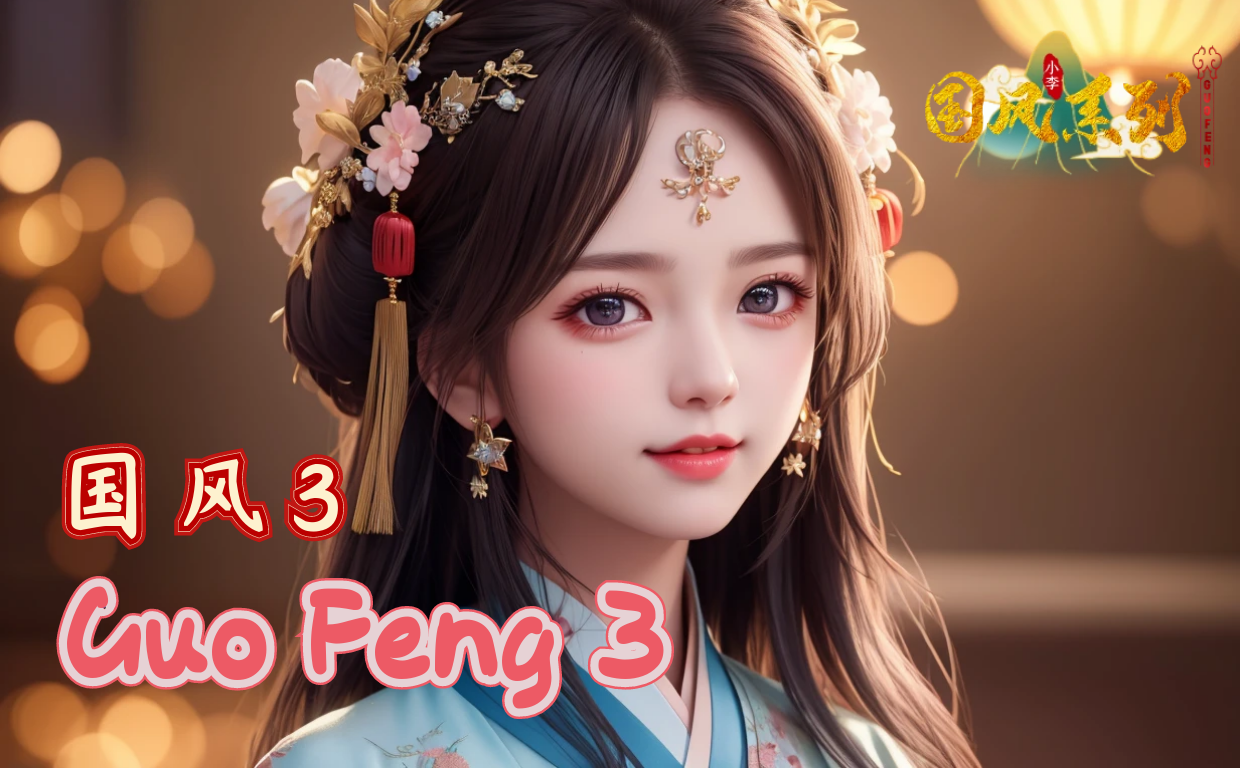
基于SDXL的国风4已发布!- GuoFeng4 based on SDXL has been released! : https://huggingface.co/xiaolxl/GuoFeng4_XL
本人郑重声明:本模型禁止用于训练基于明星、公众人物肖像的风格模型训练,因为这会带来争议,对AI社区的发展造成不良的负面影响。
本模型注明:训练素材中不包含任何真人素材。
| 版本 | 效果图 |
|---|---|
| GuoFeng3.4 | 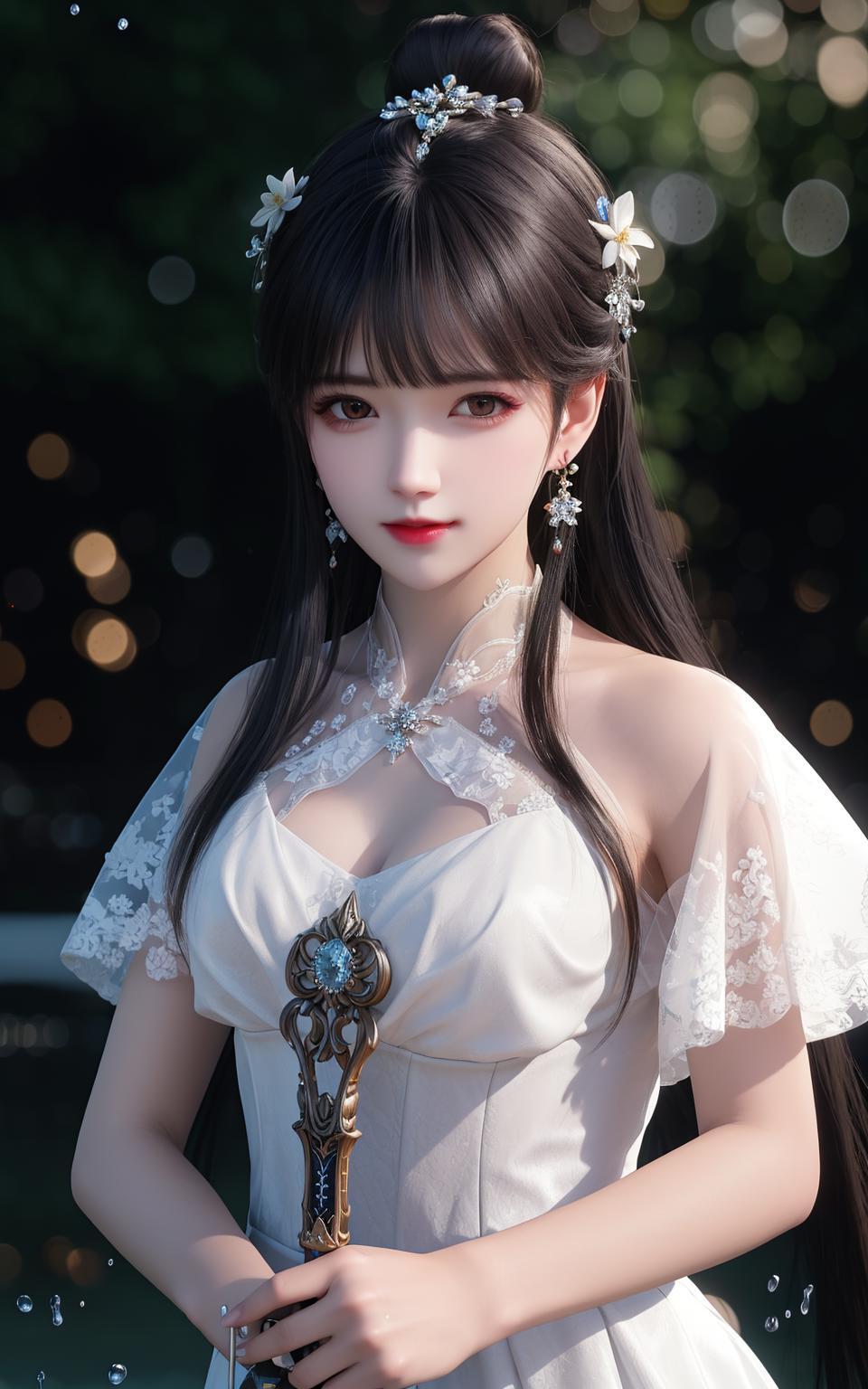 |
| GuoFeng3.3 | 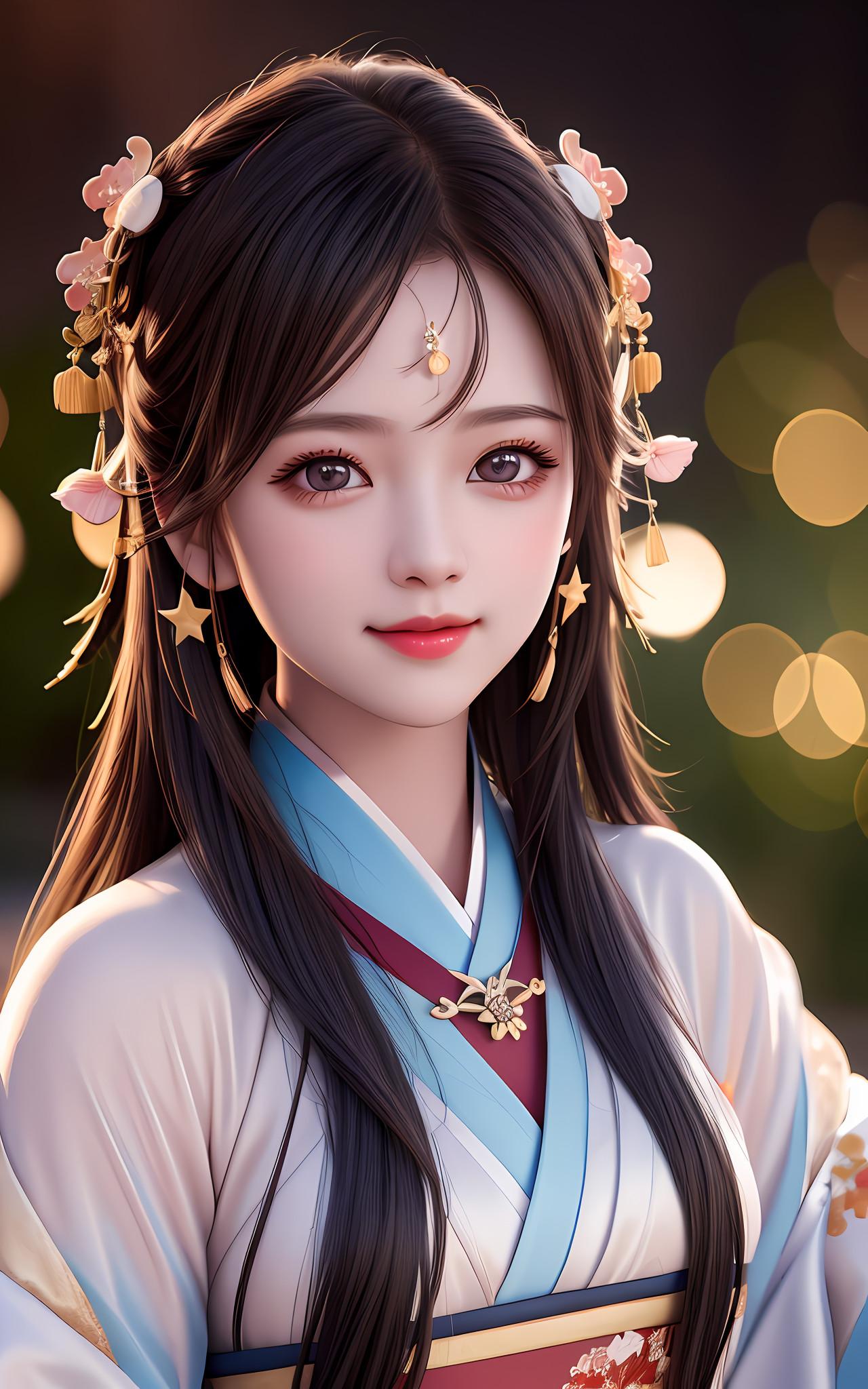 |
| GuoFeng3.2_light | 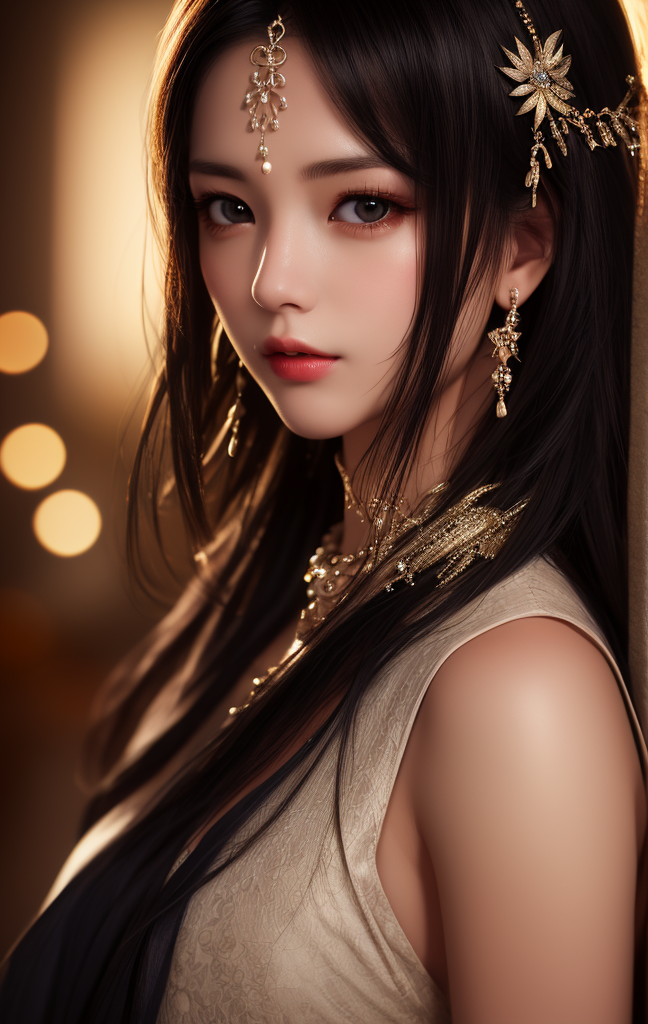 |
| GuoFeng3.2 | 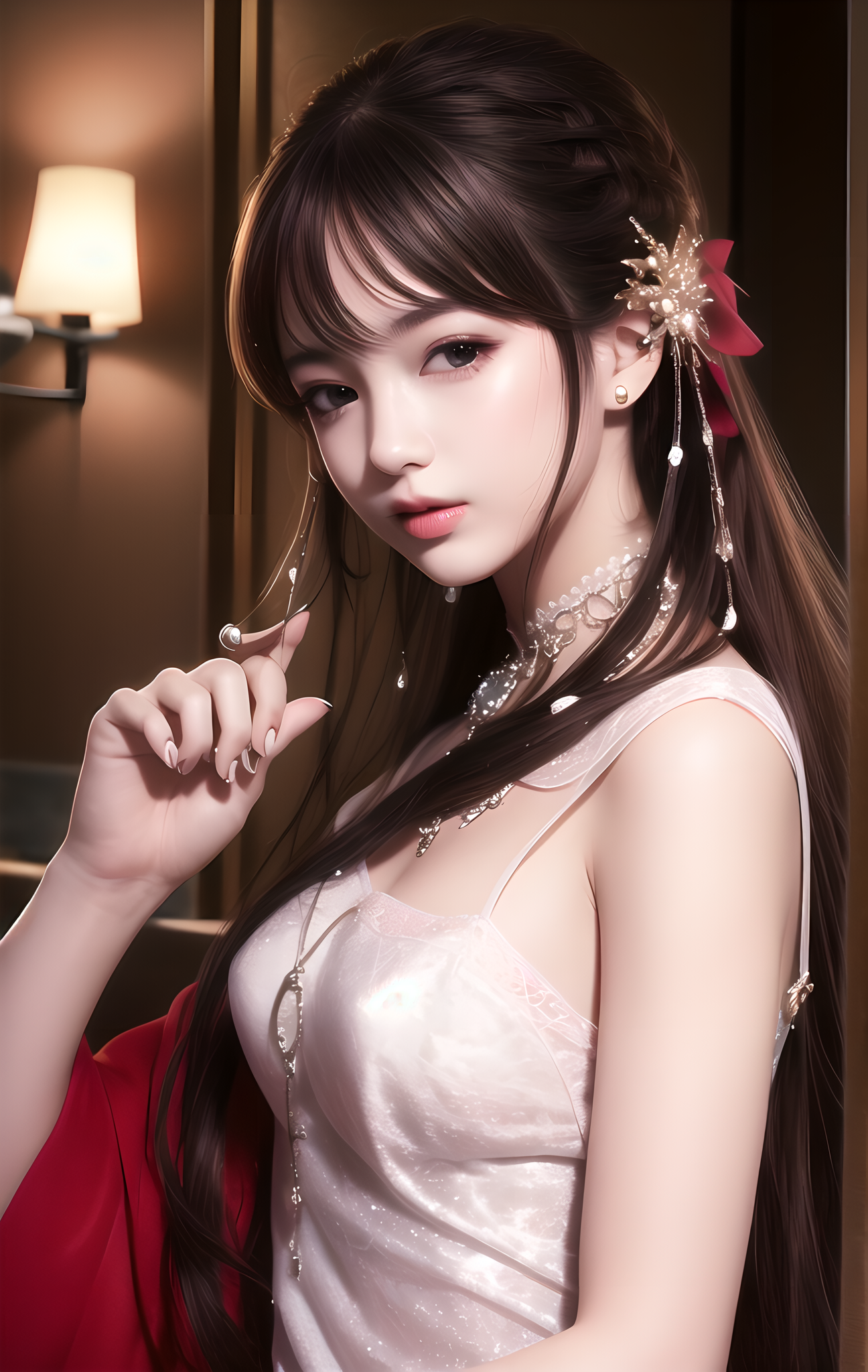 |
| GuoFeng3 | 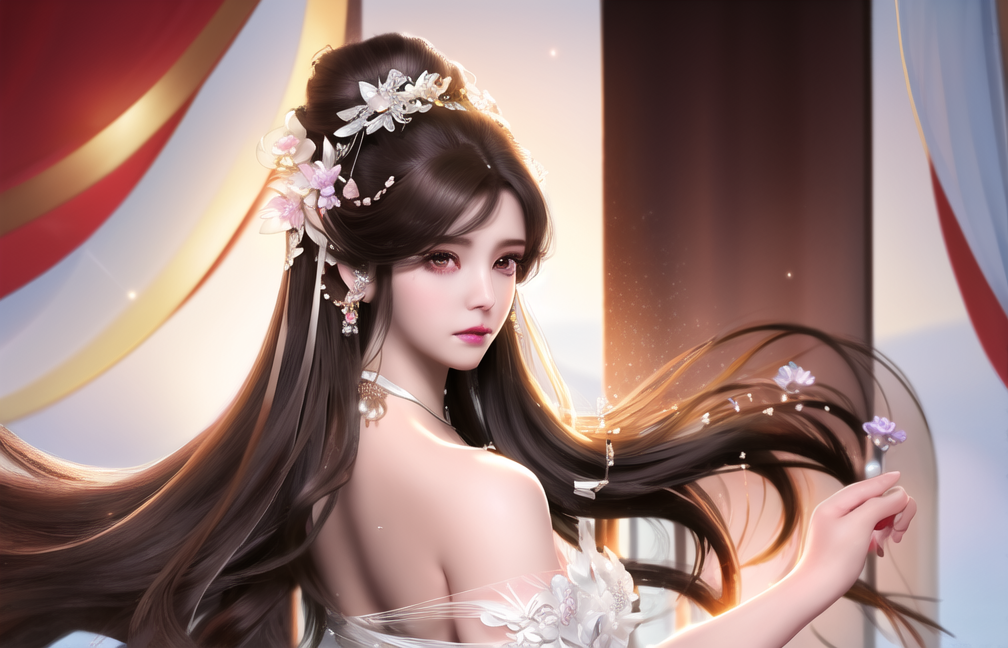 |
介绍 - GuoFeng3
欢迎使用GuoFeng3模型 - (TIP:这个版本的名字进行了微调),这是一个中国华丽古风风格模型,也可以说是一个古风游戏角色模型,具有2.5D的质感。第三代大幅度减少上手难度,增加了场景元素与男性古风人物,除此之外为了模型能更好的适应其它TAG,还增加了其它风格的元素。这一代对脸和手的崩坏有一定的修复,同时素材大小也提高到了最长边1024。
根据个人的实验与收到的反馈,国风模型系列的第二代,在人物,与大头照的效果表现比三代更好,如果你有这方面需求不妨试试第二代。
2.0版本:https://huggingface.co/xiaolxl/Gf_style2
GuoFeng3:原始模型
GuoFeng3.1:对GuoFeng3人像进行了微调修复
GuoFeng3.2:如果你不知道选择GuoFeng3还是GuoFeng2,可以直接使用此版本
GuoFeng3.2_light:通过GuoFeng3.2融合了基于 Noise Offset 训练的Lora使得模型能够画出更漂亮的光影效果(Lora:epi_noiseoffset/Theovercomer8's Contrast Fix)
GuoFeng3.2_Lora:国风3.2 Lora版本
GuoFeng3.2_Lora_big_light:国风3.2_light Lora版本 维度增大版本
GuoFeng3.2_f16:国风3.2 半精版本
GuoFeng3.2_light_f16:国风3.2_light 半精版本
GuoFeng3.3:此版本是基于3.2的一次较大的更新与改进,可以适配full body,即使你的tag不太好,模型也会对画面进行自动修改,不过因此模型出的脸会比较雷同。此模型似乎不需要超分,我的出图大小是768*1024,清晰度还不错。建议竖图,横图可能不清晰。Euler a即可。(DPM++ SDE Karras, DDIM也不错)
GuoFeng3.4:此版本重新进行了新的训练,适配全身图,同时内容上与前几个版本有较大不同。并调整了整体画风,降低了过拟合程度,使其能使用更多的lora对画面与内容进行调整。
--
Welcome to the GuoFeng3 model - (TIP: the name of this version has been fine-tuned). This is a Chinese gorgeous antique style model, which can also be said to be an antique game character model with a 2.5D texture. The third generation greatly reduces the difficulty of getting started, and adds scene elements and male antique characters. In addition, in order to better adapt the model to other TAGs, other style elements are also added. This generation has repaired the broken face and hands to a certain extent, and the size of the material has also increased to the longest side of 1024.
According to personal experiments and feedback received, the second generation of the Guofeng model series performs better than the third generation in terms of characters and big head photos. If you have this need, you can try the second generation.
Version 2.0:https://huggingface.co/xiaolxl/Gf_style2
GuoFeng3: original model
GuoFeng3.1: The portrait of GuoFeng3 has been fine-tuned and repaired
GuoFeng3.2: If you don't know whether to choose GuoFeng3 or GuoFeng2, you can use this version directly
GuoFeng3.2_Light: Through GuoFeng3.2, Lora based on Noise Offset training is integrated to enable the model to draw more beautiful light and shadow effects (Lora: epi_noiseoffset/Theovercolor8's Contrast Fix)
GuoFeng3.2_Lora: Guofeng3.2 Lora version
GuoFeng3.2_Lora_big_Light: Guofeng3.2_Light Lora Version Dimension Increase Version
GuoFeng3.2_F16: Guofeng3.2 semi-refined version
GuoFeng3.2_light_f16: Guofeng3.2_Light semi-refined version
GuoFeng3.3: This version is a major update and improvement based on 3.2, which can adapt to full bodies. Even if your tag is not good, the model will automatically modify the screen, but the faces produced by the model will be quite similar. This model doesn't seem to require supersession. My plot size is 768 * 1024, and the clarity is quite good. Suggest vertical view, horizontal view may not be clear. Euler a is sufficient. (DPM++SDE Karras, DDIM is also good)
GuoFeng3.4: This version has undergone new training to adapt to the full body image, and the content is significantly different from previous versions.At the same time, the overall painting style has been adjusted, reducing the degree of overfitting, allowing it to use more Lora to adjust the screen and content.
安装教程 - install
将GuoFeng3.ckpt模型放入SD目录 - Put GuoFeng3.ckpt model into SD directory
此模型自带VAE,如果你的程序不支持,请记得选择任意一个VAE文件,否则图形将为灰色 - This model comes with VAE. If your program does not support it, please remember to select any VAE file, otherwise the graphics will be gray
如何使用 - How to use
TIP:经过一天的测试,发现很多人物可能出现红眼问题,可以尝试在负面词添加red eyes。如果色彩艳丽可以尝试降低CFG - After a day of testing, we found that many characters may have red-eye problems. We can try to add red eyes to negative words。Try to reduce CFG if the color is bright
简单:第三代大幅度减少上手难度 - Simple: the third generation greatly reduces the difficulty of getting started
======
如果你的出图全身图时出现脸部崩坏建议删除full body关键词或者使用脸部自动修复插件:
国外源地址:https://github.com/ototadana/sd-face-editor.git
国内加速地址:https://jihulab.com/xiaolxl_pub/sd-face-editor.git
If you experience facial collapse during the full body image, it is recommended to delete the full body keyword or use the facial automatic repair plugin:
Foreign source address: https://github.com/ototadana/sd-face-editor.git
Domestic acceleration address: https://jihulab.com/xiaolxl_pub/sd-face-editor.git
=====
- 关键词 - key word:
best quality, masterpiece, highres, 1girl,china dress,Beautiful face
- 负面词 - Negative words:
NSFW, lowres,bad anatomy,bad hands, text, error, missing fingers,extra digit, fewer digits, cropped, worstquality, low quality, normal quality,jpegartifacts,signature, watermark, username,blurry,bad feet
高级:如果您还想使图片尽可能更好,请尝试以下配置 - senior:If you also want to make the picture as better as possible, please try the following configuration
Sampling steps:50
Sampler:DPM++ SDE Karras or DDIM
The size of the picture should be at least 1024 - 图片大小至少1024
CFG:4-6
更好的负面词 Better negative words - 感谢群友提供的负面词:
(((simple background))),monochrome ,lowres, bad anatomy, bad hands, text, error, missing fingers, extra digit, fewer digits, cropped, worst quality, low quality, normal quality, jpeg artifacts, signature, watermark, username, blurry, lowres, bad anatomy, bad hands, text, error, extra digit, fewer digits, cropped, worst quality, low quality, normal quality, jpeg artifacts, signature, watermark, username, blurry, ugly,pregnant,vore,duplicate,morbid,mut ilated,tran nsexual, hermaphrodite,long neck,mutated hands,poorly drawn hands,poorly drawn face,mutation,deformed,blurry,bad anatomy,bad proportions,malformed limbs,extra limbs,cloned face,disfigured,gross proportions, (((missing arms))),(((missing legs))), (((extra arms))),(((extra legs))),pubic hair, plump,bad legs,error legs,username,blurry,bad feet
- 如果想元素更丰富,可以添加下方关键词 - If you want to enrich the elements, you can add the following keywords
Beautiful face,
hair ornament, solo,looking at viewer,smile,closed mouth,lips
china dress,dress,hair ornament, necklace, jewelry, long hair, earrings, chinese clothes,
architecture,east asian architecture,building,outdoors,rooftop,city,cityscape
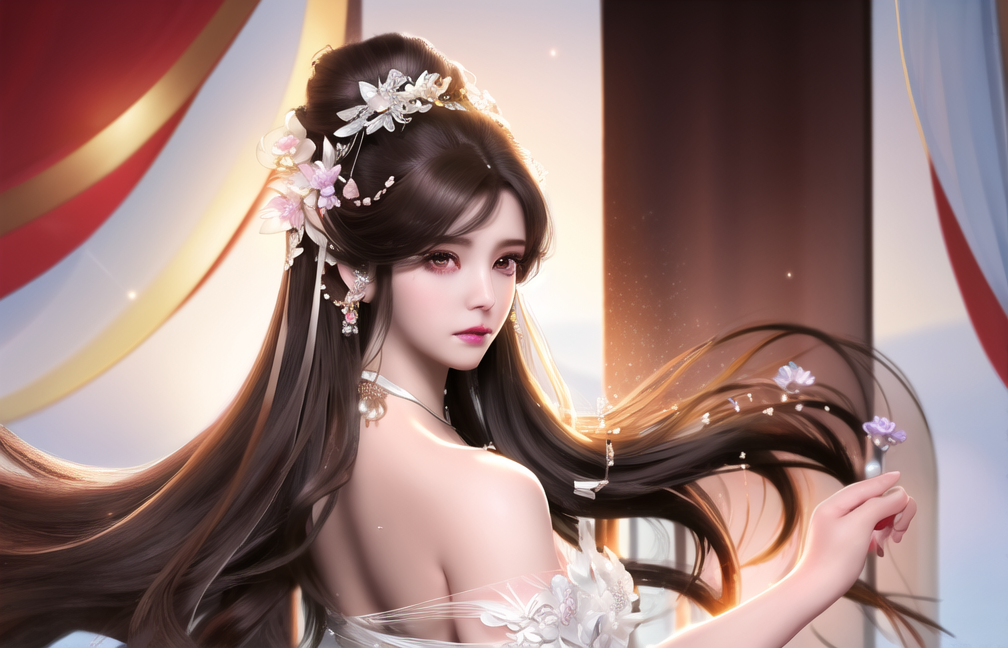
例图 - Examples
(可在文件列表中找到原图,并放入WebUi查看关键词等信息) - (You can find the original image in the file list, and put WebUi to view keywords and other information)
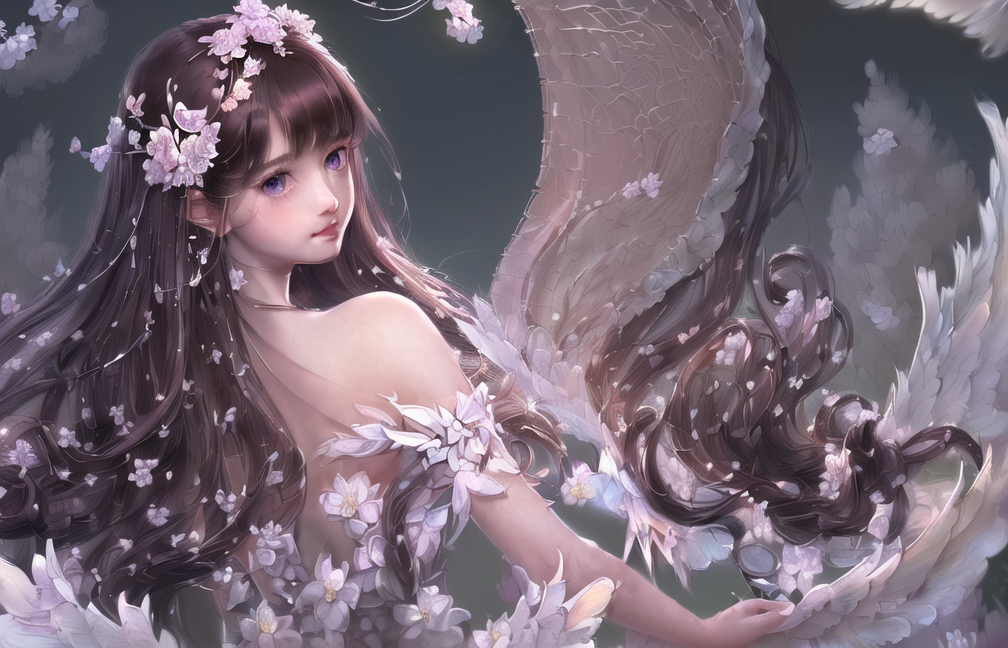

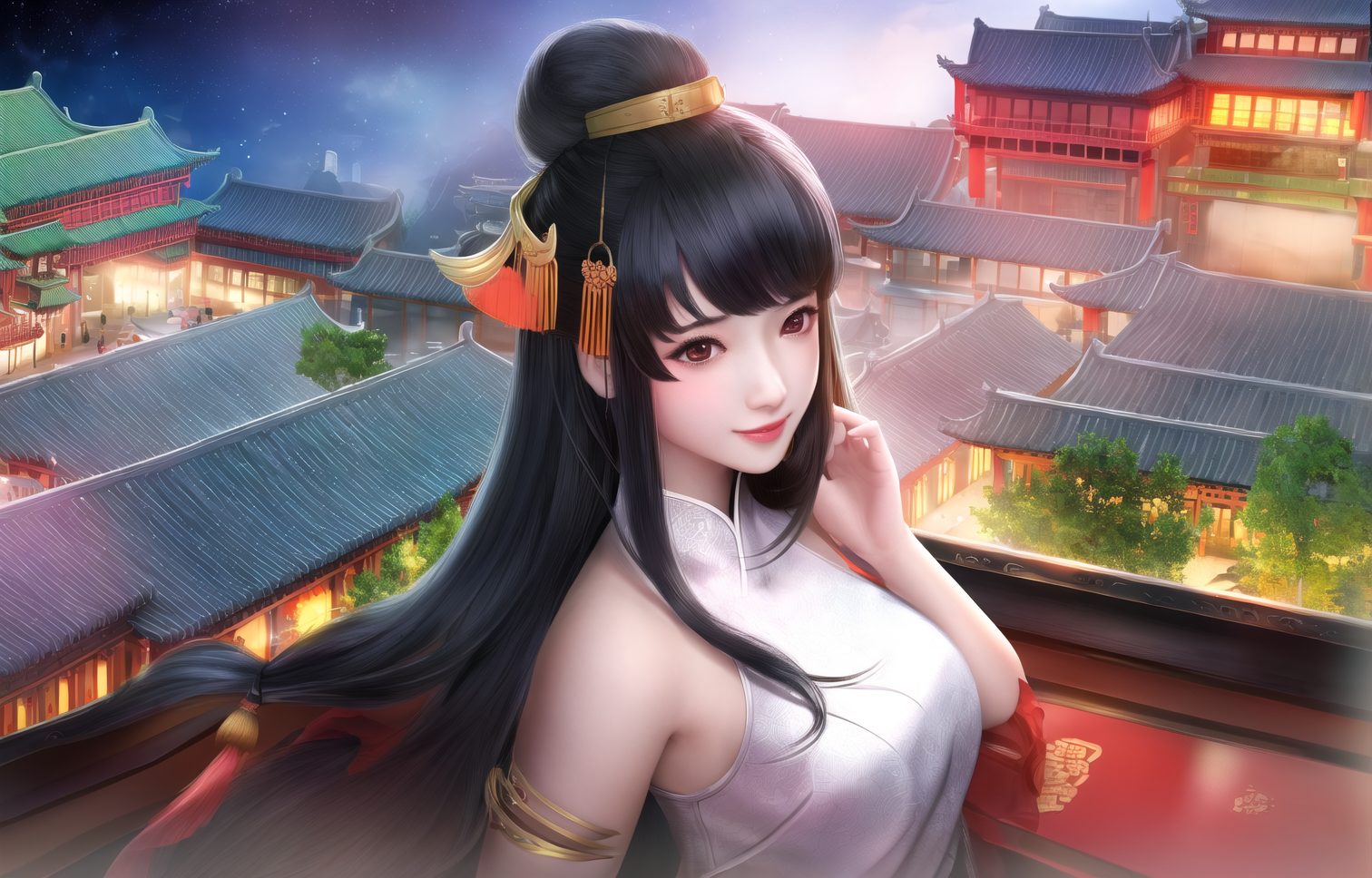
- Downloads last month
- 8,010