
Jak's Clayitization Image Pack (SD 1.5) for Stable Diffusion
From the makers of Woolitize, another versatile Jak Texture Pack is available to help unleash your Clay-itivity!
Trained using 100 (768px) training images, 8000 training steps, 500 Text_Encoder_steps.
New: If you want the Stable Diffusion v2.1 model go HERE
Use Prompt: "clayitization" in the beginning of your prompt followed by a word. No major prompt-crafting needed.
Thanks to /u/Jak_TheAI_Artist for creating training images!
Tips:
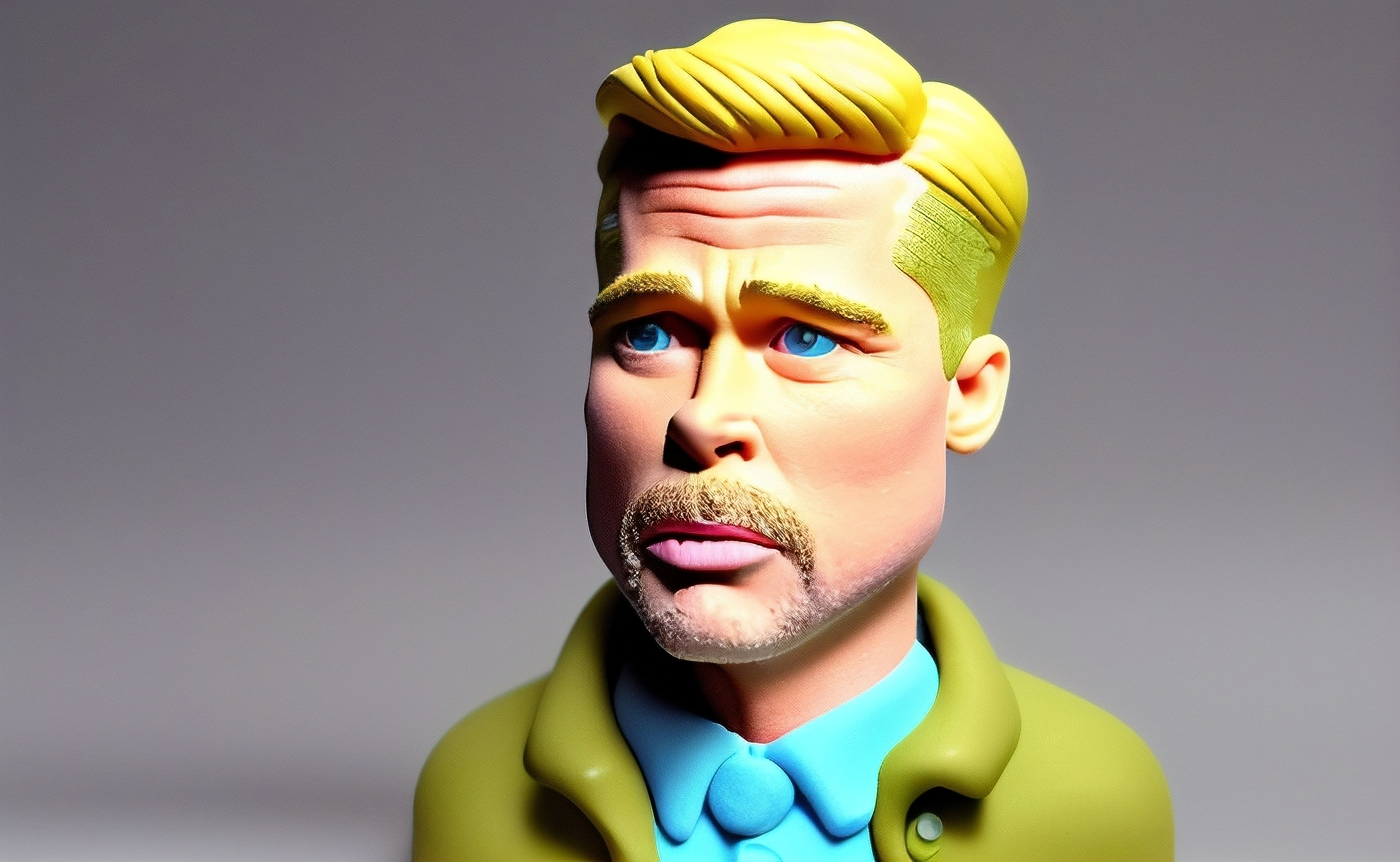
- use fewer prompts to make a more raw clay look (eg. "clayitization, brad pitt" made the image below)
- change to square for portraits, and rectangle for dioramas
- add "3d, octane render, intricate details" for more realistic details in the clay
- use 768 resolution or larger images for best results
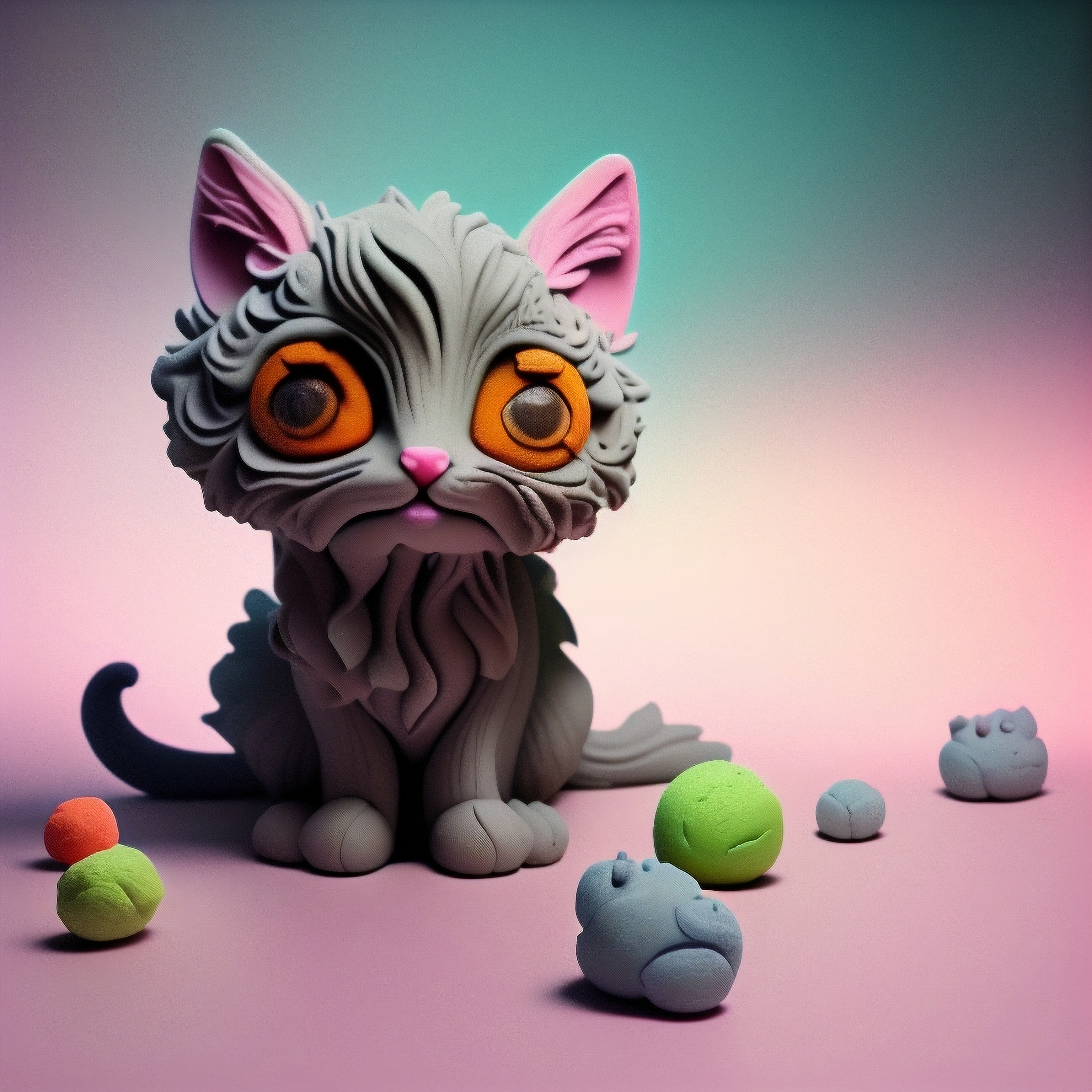
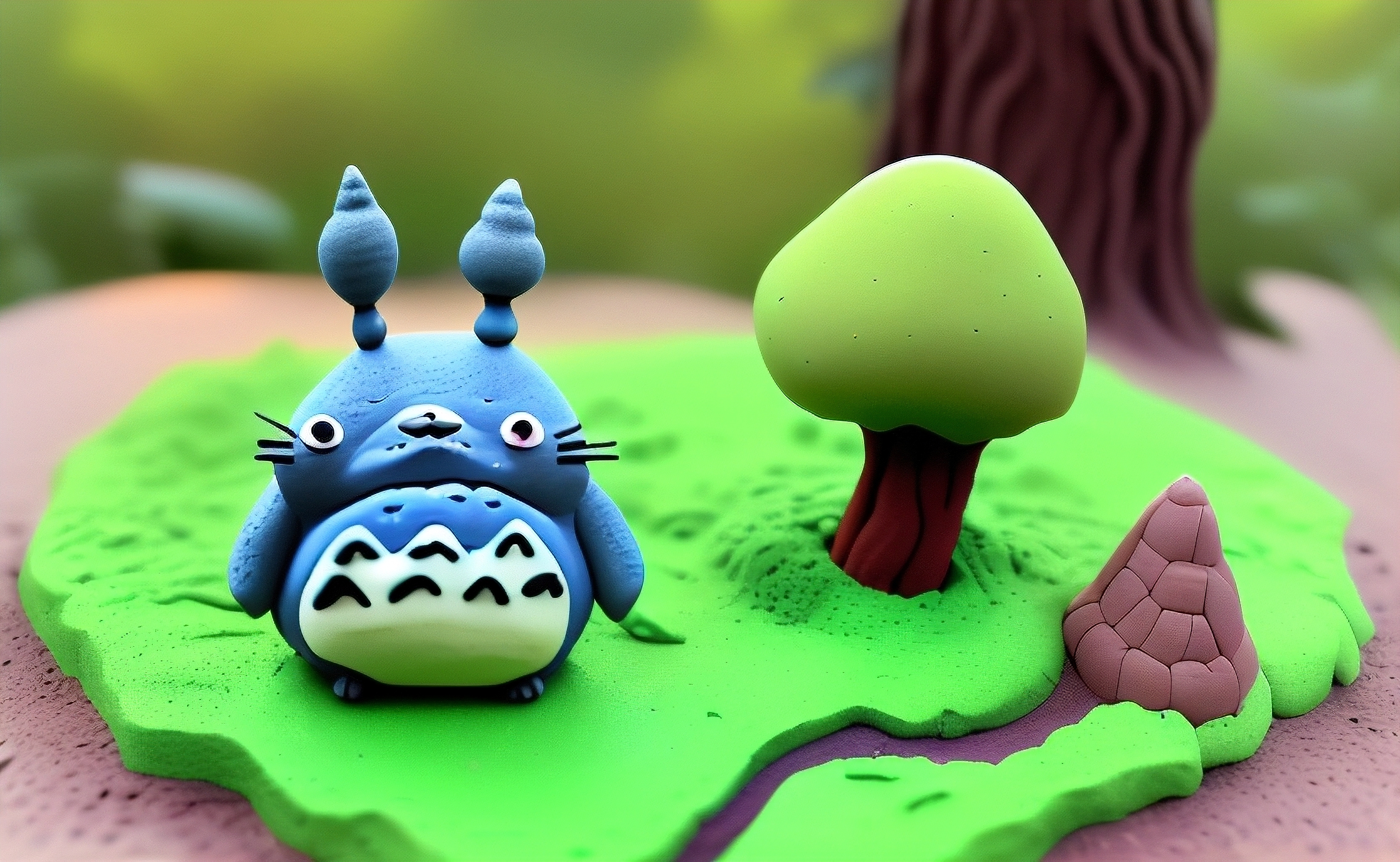
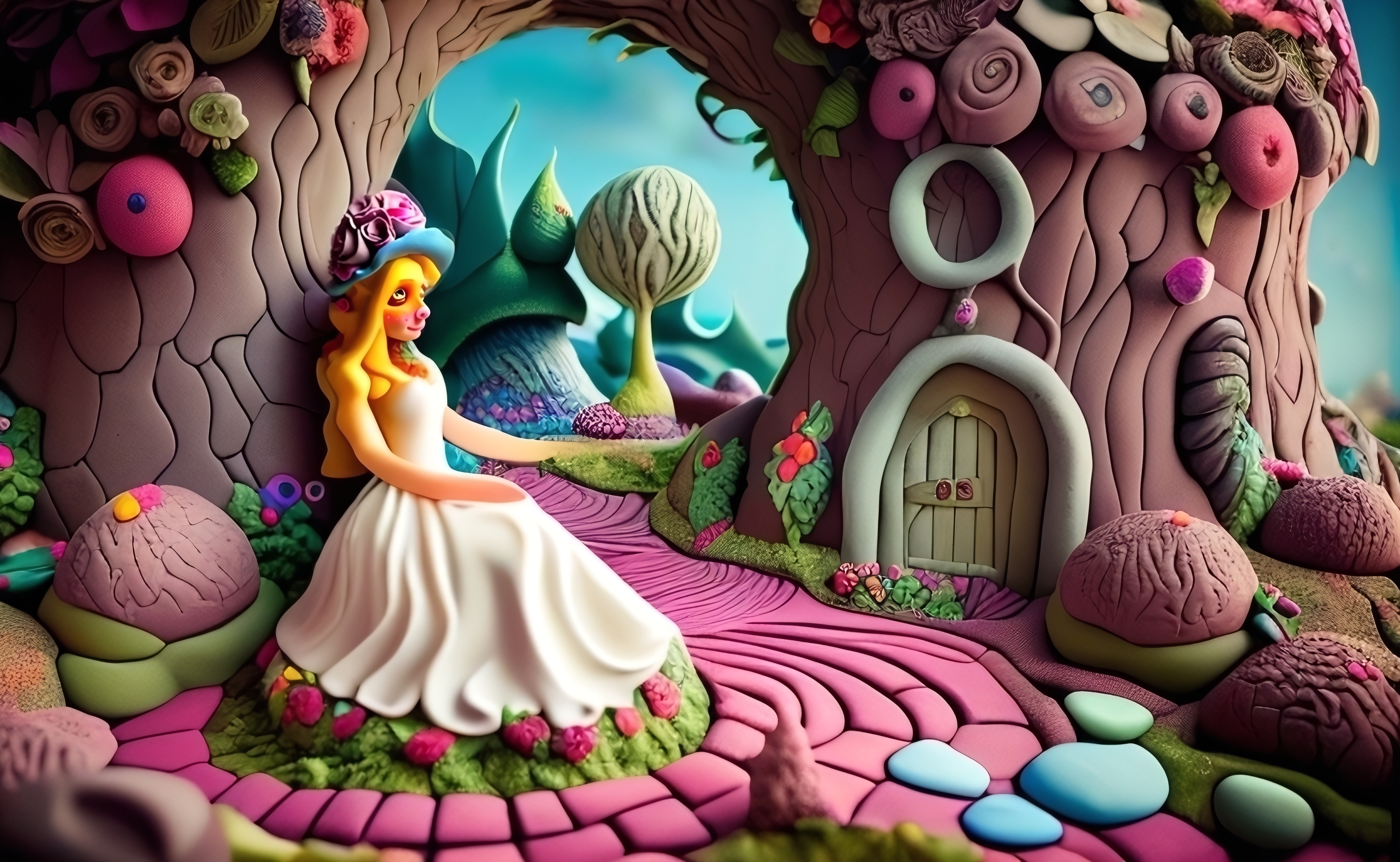
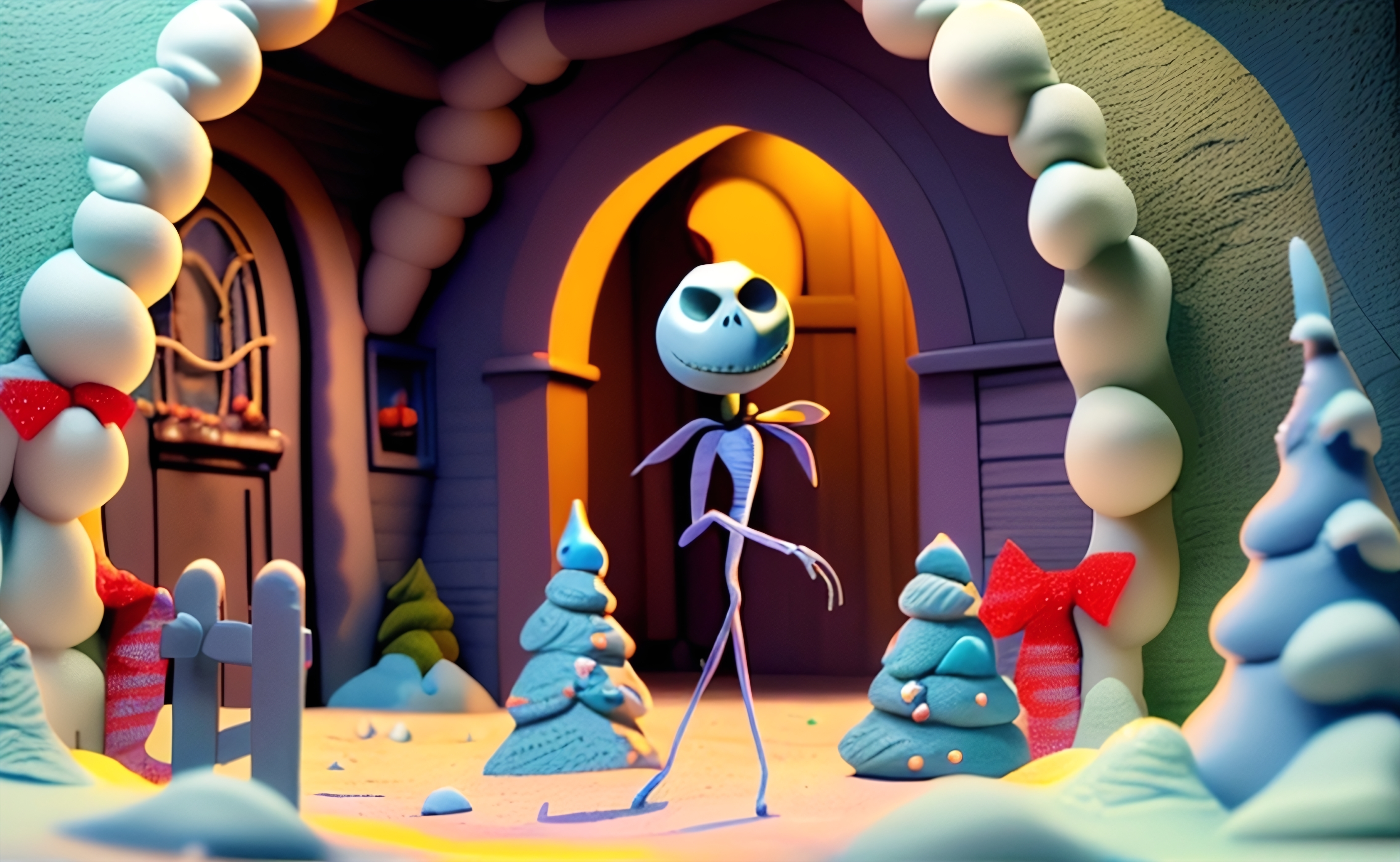
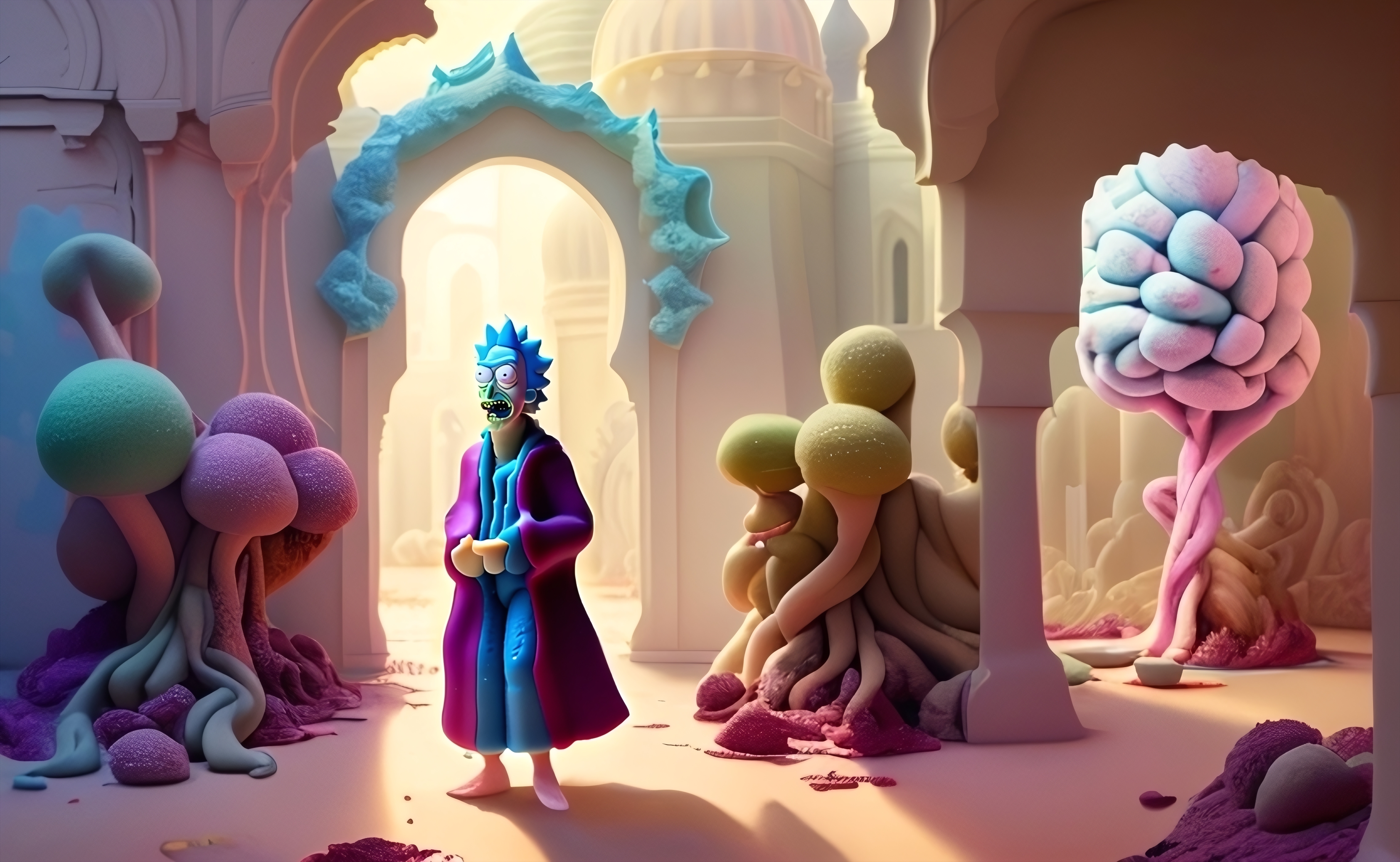
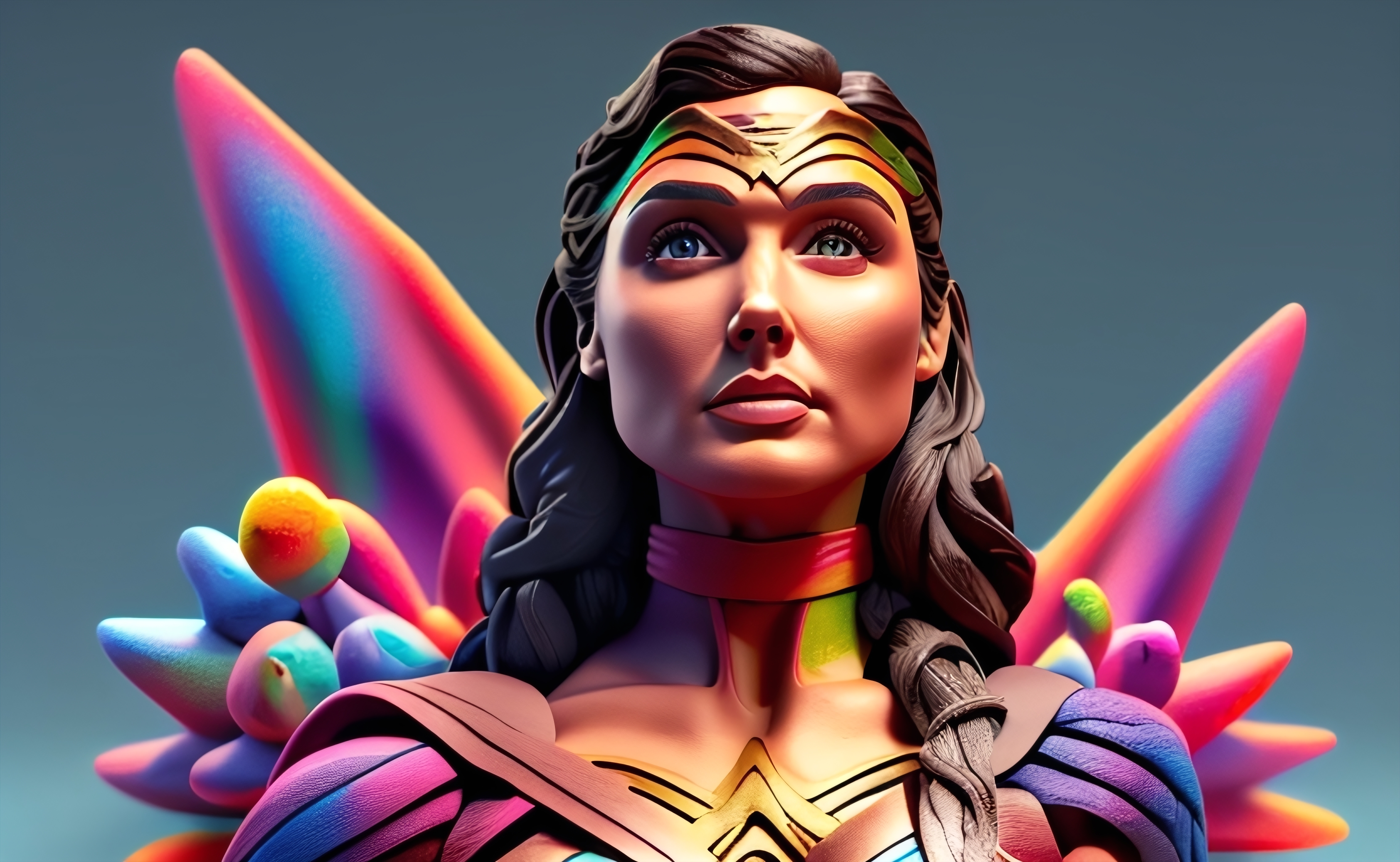
Sample pictures of this concept:
- Downloads last month
- 36