DreamBooth
DreamBooth is a method for generating personalized images of a specific instance. It works by fine-tuning the model on 3-5 images of the subject (for example, a cat) that is associated with a unique identifier (sks cat). This allows you to use sks cat in your prompt to trigger the model to generate images of your cat in different settings, lighting, poses, and styles.
DreamBooth checkpoints are typically a few GBs in size because it contains the full model weights.
Load the DreamBooth checkpoint with [~DiffusionPipeline.from_pretrained] and include the unique identifier in the prompt to activate its generation.
import torch
from diffusers import AutoPipelineForText2Image

pipeline = AutoPipelineForText2Image.from_pretrained(
    "sd-dreambooth-library/herge-style",
    torch_dtype=torch.float16
).to("cuda")
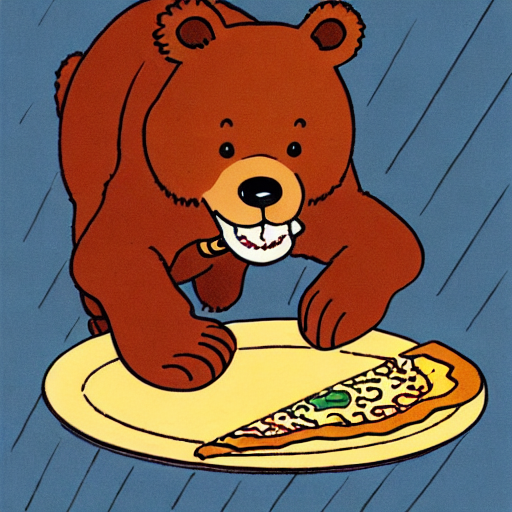
prompt = "A cute sks herge_style brown bear eating a slice of pizza, stunning color scheme, masterpiece, illustration"
pipeline(prompt).images[0]