

import torch
from diffusers import DiffusionPipeline

# switch to "mps" for apple devices
pipe = DiffusionPipeline.from_pretrained("crumb/icon-diffusion-v1-1", torch_dtype=torch.bfloat16, device_map="cuda")

prompt = "Astronaut in a jungle, cold color palette, muted colors, detailed, 8k"
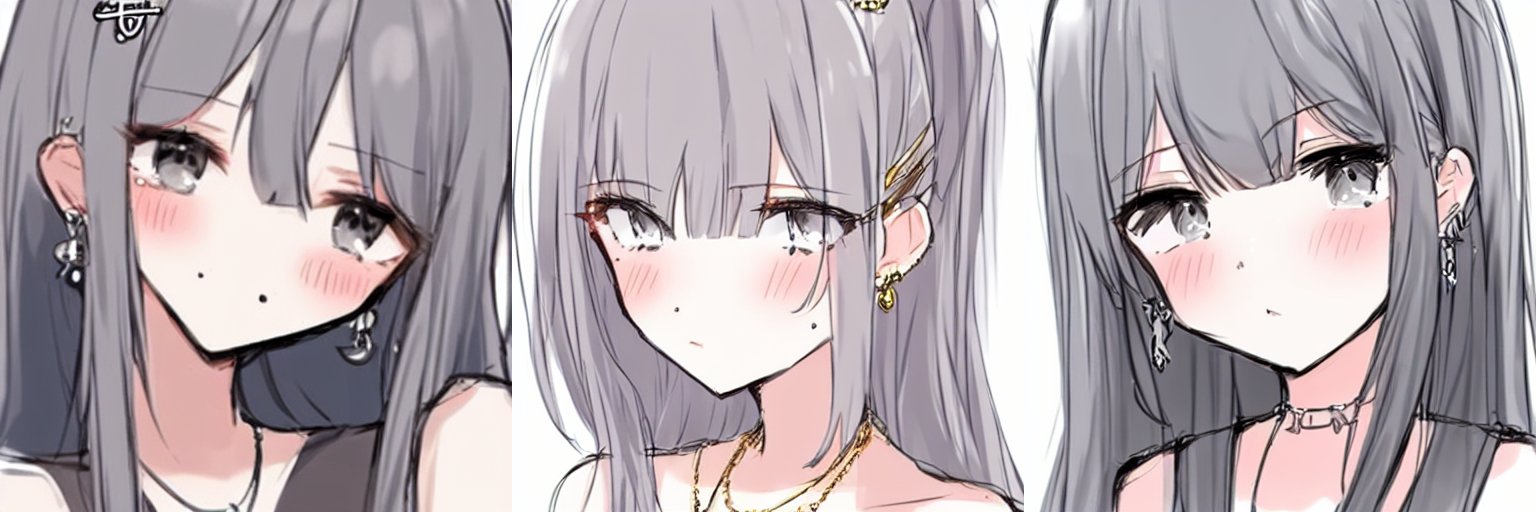
image = pipe(prompt).images[0]hakurei/waifu-diffusion-v1-3 fine-tuned on 800 samples from https://www.kaggle.com/datasets/stevenevan99/face-of-pixiv-top-daily-illustration-2020 at 384x384 resolution (because some of the images here are very low-res and I don't want artifacts)
examples of "highres, sketch, rkgk, pfp"

"1girl bangs blush crop top earrings grey eyes hair ornament hairclip indoors jewelry mole mole under eye necklace highres, sketch, rkgk"
- Downloads last month
- 15