
Instructions to use Avrik/mirrors-edge-diffusion with libraries, inference providers, notebooks, and local apps. Follow these links to get started.
- Libraries
- Diffusers
How to use Avrik/mirrors-edge-diffusion with Diffusers:
pip install -U diffusers transformers accelerate
import torch from diffusers import DiffusionPipeline # switch to "mps" for apple devices pipe = DiffusionPipeline.from_pretrained("Avrik/mirrors-edge-diffusion", dtype=torch.bfloat16, device_map="cuda") prompt = "Astronaut in a jungle, cold color palette, muted colors, detailed, 8k" image = pipe(prompt).images[0] - Notebooks
- Google Colab
- Kaggle
- Local Apps
- Draw Things
- DiffusionBee
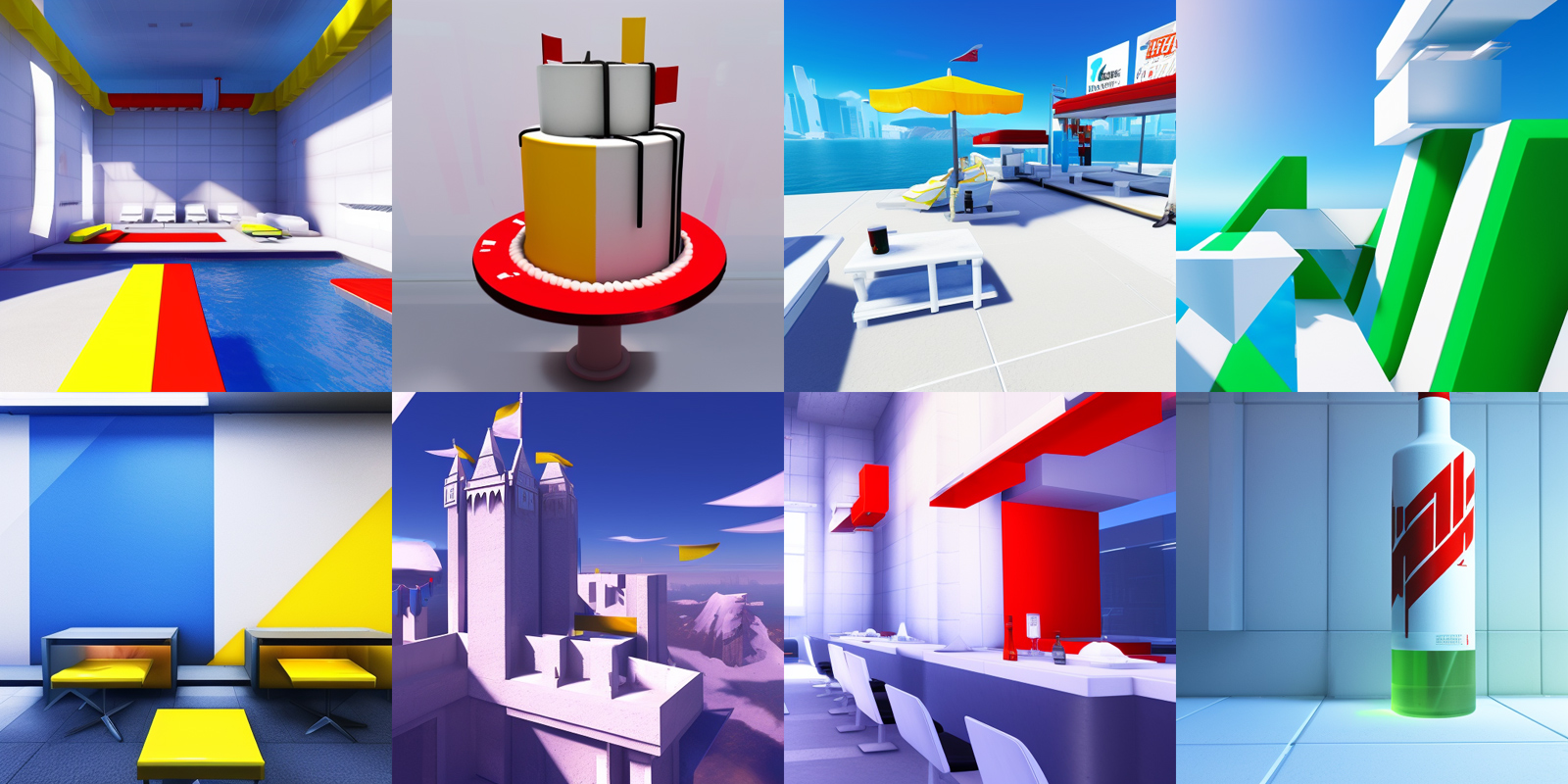
Mirror's Edge Diffusion
A Stable Diffusion model trained on Mirror's Edge screenshots using Dreambooth.
Use the prompt MirrorsEdge style. Other notable tokens are abstract, floating shapes, cityscape, pristine, sterile, and back rooms.
If your outputs are too random and geometric, try adding abstract and floating shapes to the negative prompt.
- Downloads last month
- 46
